
Receive events with webhooks
Get an HTTP call when a link is created or clicked, verify its signature and handle retries safely.
Open Webhooks
A webhook tells your systems about activity as it happens: a new link, a click, a domain going live. Instead of asking the API over and over, your server receives a signed POST the moment there is something to know.
Before you start
- A paid plan. Starter includes 5 webhooks, Pro 10, and Business has no limit.
- A public
https://endpoint on your server that can receive JSON.
Add the webhook
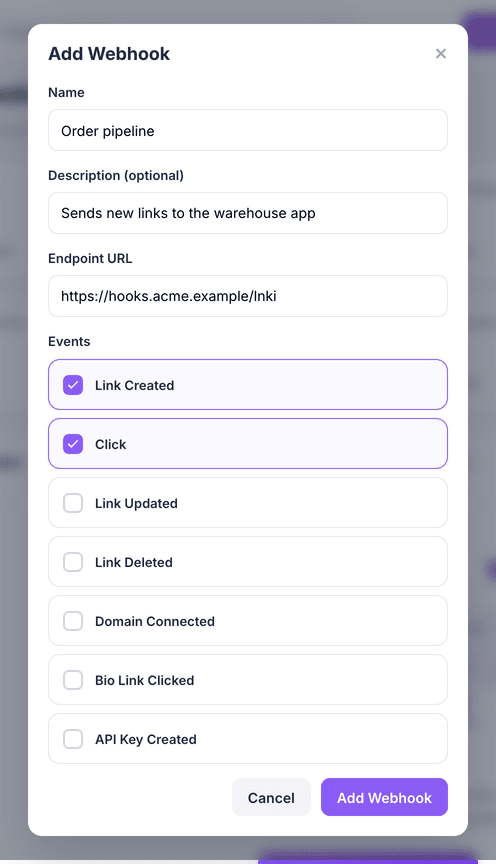
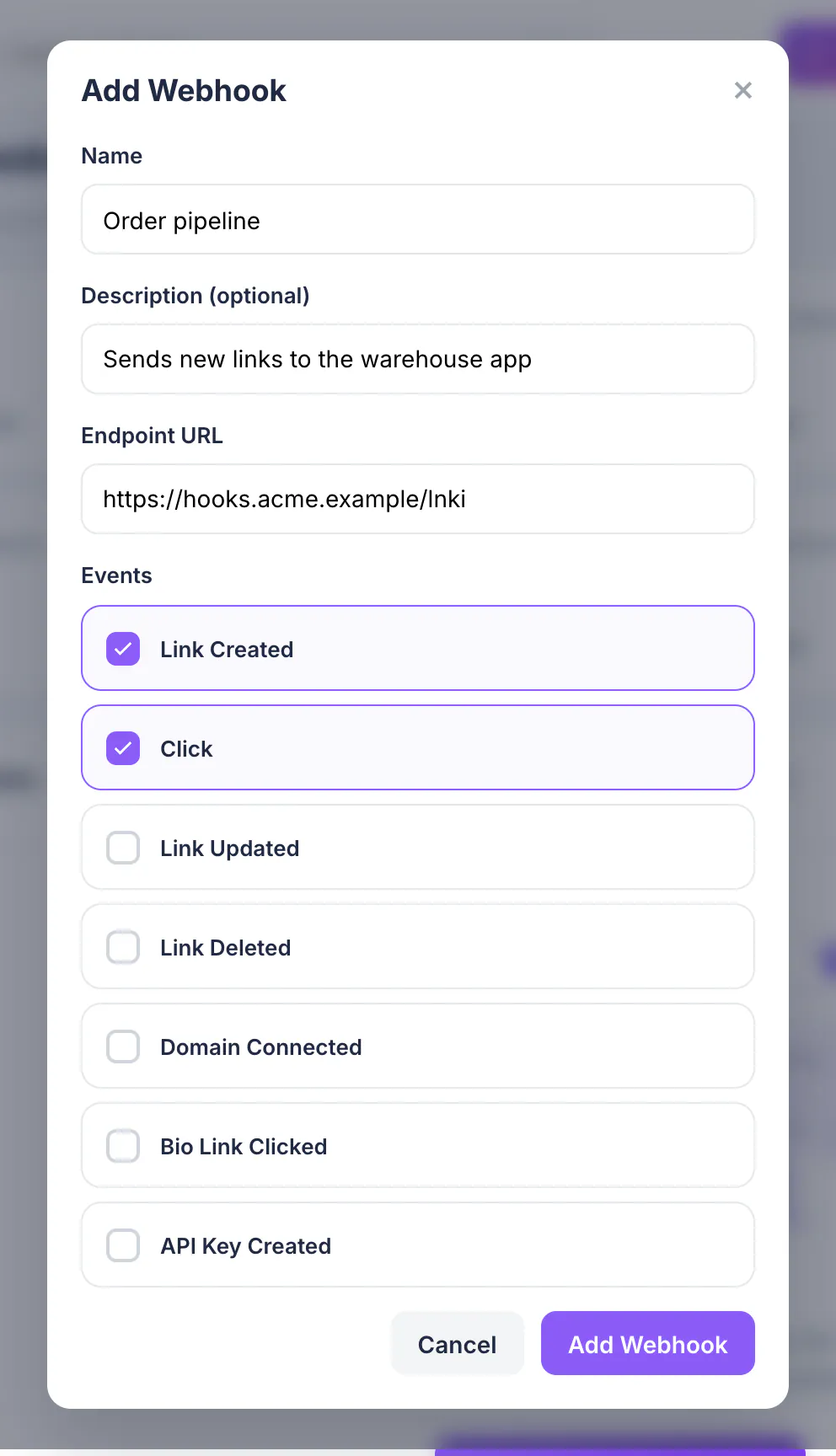
Open Webhooks and choose Add Webhook. Enter a Name, an optional description and your Endpoint URL.
Choose the events
Tick the events you want: Link Created, Click, Link Updated, Link Deleted, Domain Connected, Bio Link Clicked or API Key Created. Then choose Add Webhook.
Save the signing secret
A dialog shows the webhook's secret, starting with
whsec_. Choose Copy Secret and store it with your other credentials; it is not shown again.Verify every delivery
Each request carries an
X-Lnki-Signatureheader:sha256=followed by the HMAC-SHA256 of the raw request body, keyed with your secret. Compute the same value and compare before trusting the payload.Node.jsimport crypto from "node:crypto" function isFromLnki(rawBody, signatureHeader, secret) { const expected = "sha256=" + crypto.createHmac("sha256", secret).update(rawBody).digest("hex") return expected.length === signatureHeader.length && crypto.timingSafeEqual(Buffer.from(expected), Buffer.from(signatureHeader)) }Answer fast, and expect retries
Reply with any
2xxstatus within 10 seconds, and do slow work afterwards. A timeout, a429or a5xxis retried up to 5 times with growing pauses, so the same event can arrive twice: use theX-Lnki-Delivery-Keyheader to skip ones you have already handled.Clicks are delivered in batches named
link.clicked.batch, with up to 50 clicks each.Test it
In the webhook's row menu choose Test webhook to send a
webhook.testevent. Every attempt, with its response code and duration, appears in the delivery log.If 5 events in a row fail every attempt, the webhook is marked Failed and paused. Fix your endpoint, then resume the webhook from the Webhooks page.
What you have now
Your server hears about link activity in real time and can prove each message is genuine. Payload shapes for every event are in the API reference.