
Import links in bulk
Bring a whole spreadsheet of URLs into Lnki at once from the clipboard, a CSV file or Excel.
Open Import Links
Moving from another tool, or launching a catalogue of products? Importing creates all the short links in one pass, in three steps: upload, map columns, review.
Before you start
- Your URLs in a spreadsheet, a CSV file or simply a list. One import holds up to 500 rows on the trial, 2,000 on Starter, 5,000 on Pro and 10,000 on Business.
Choose how to bring the data in
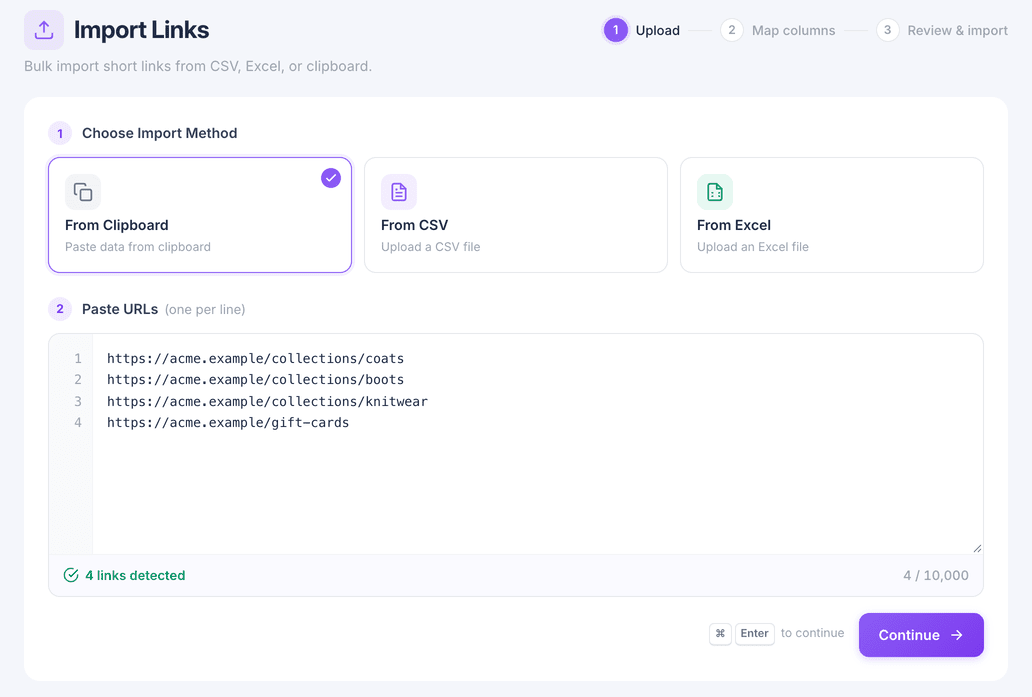
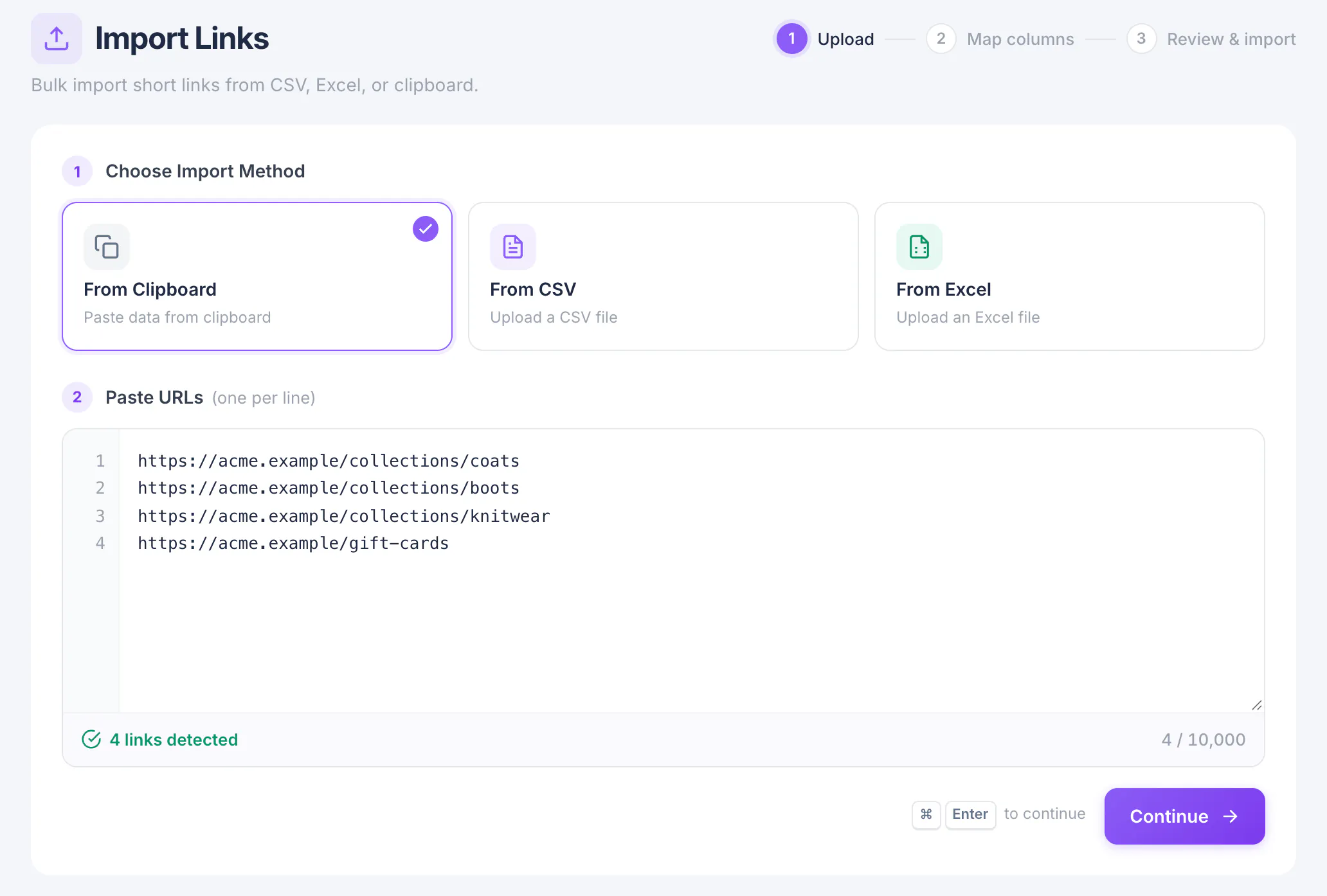
Open Imports. Under Choose Import Method pick From Clipboard, From CSV or From Excel.
Paste or upload
For the clipboard, paste one URL per line into Paste URLs. The counter underneath shows how many links were detected and how many your plan allows.
Copying cells straight from a spreadsheet keeps their columns, so titles, back-halves or tags next to each URL come along too. Then choose Continue.
Map your columns
On Map columns, tell Lnki which column fills which link field. A column fills one field at most; set a field to Don't import to leave it out.
Fields that take a default, such as the folder, can be set once here for every row.
Review and import
Review & import lists every row with anything that needs attention, such as an invalid URL or a back-half that is already taken. Fix or skip those rows, then start the import.
Links are created in the background. When it finishes you get a summary of how many were created, skipped or failed.
What you have now
Your links are in My Links, filed and tagged the way your spreadsheet described them.