
Connect a custom domain
Create short links on your own domain, with one DNS record and an SSL certificate issued for you.
Open Add Domain
Links on your own domain, such as go.yourbrand.com/sale, look like part of your brand and earn more trust than a generic shortener. Connecting one takes about two minutes of work plus the time DNS needs to update.
Before you start
- A domain or subdomain you control, and access to its DNS settings at your registrar or DNS provider.
- A free slot on your plan: the trial includes 1 domain, Starter 3, and Pro and Business have no limit.
Add the domain
Open Domains and choose Add Domain. Enter the domain without
https://, for exampleyourbrand.comorgo.yourbrand.com.A subdomain is usually the easiest choice, because your main website keeps its own address.
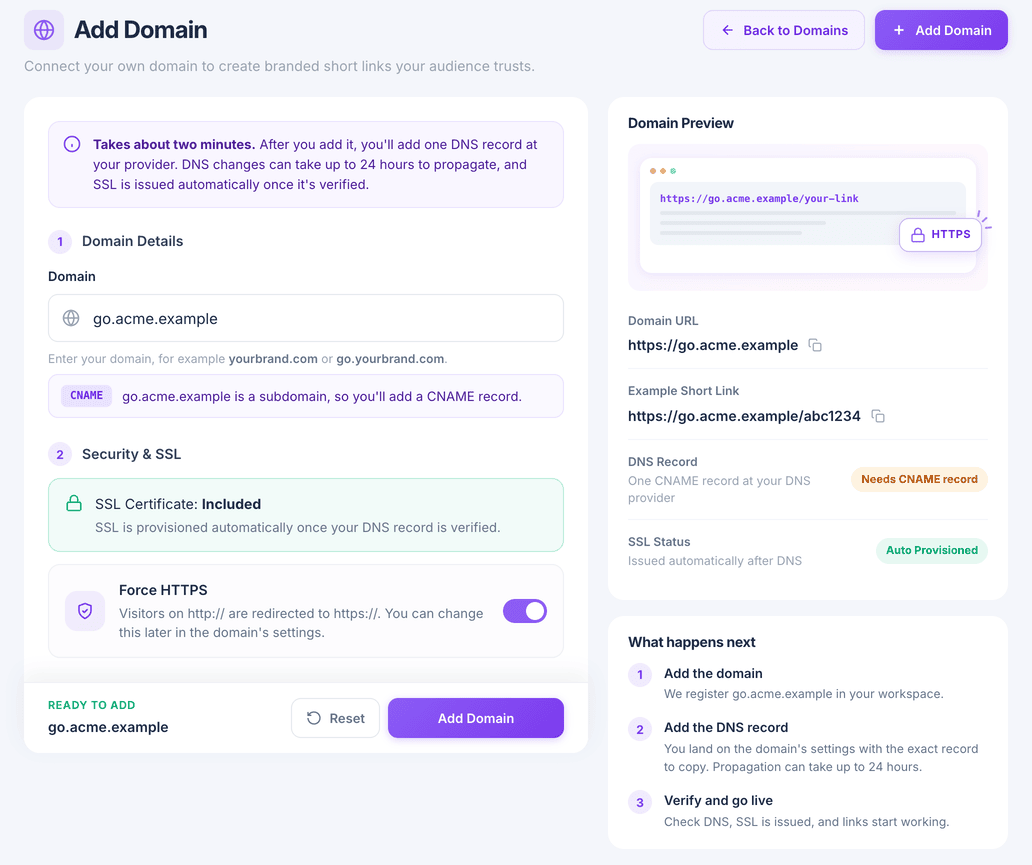
Leave Force HTTPS on
An SSL certificate is included and is issued automatically once your DNS record is verified. With Force HTTPS on, visitors who arrive over
http://are redirected tohttps://. You can change this later in the domain's settings.Choose Add Domain.
Add the DNS record
You land on the domain's settings, which show the exact record to create; for a subdomain such as
go.yourbrand.comit is a CNAME record. Copy its type, name and value into your DNS provider and save.DNS changes can take up to 24 hours to reach everyone, though it is often much quicker.
Verify and go live
Back on the domain's settings choose Verify. Once the record is found, the certificate is issued and the domain is ready.
When you create a link, pick the domain from the menu next to the back-half field. Rotators and QR codes offer the same choice.
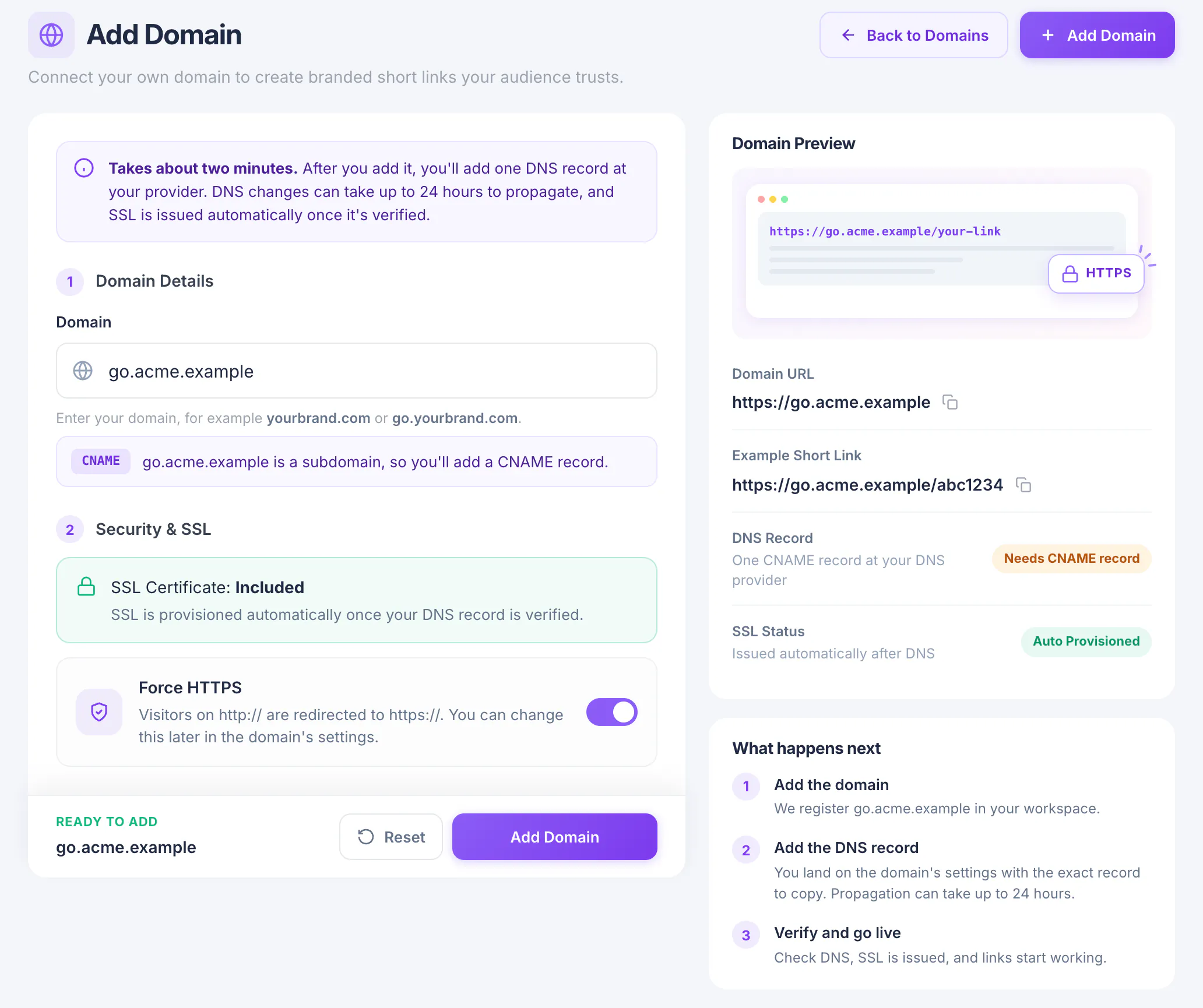
What you have now
Your short links can now carry your own name, served over HTTPS.