Link Targeting
ProSend each visitor to the right page by location, device, language, traffic source or time.
Targeted Links
Active Rules
Targeted Clicks
Avg. Rules / Link
| Link | Rules | Status | Targeted Clicks | Actions |
|---|
Per page:
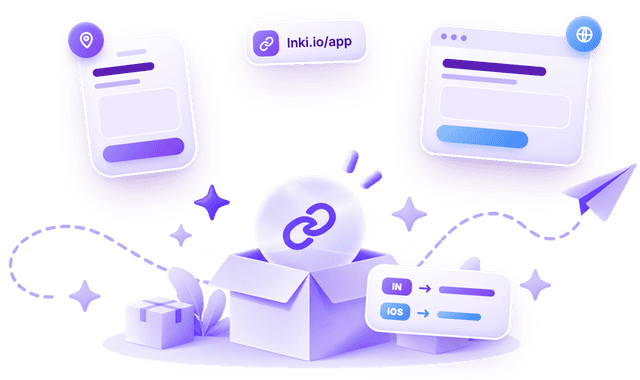
No targeted links yet
Pick one of your links and add rules, such as sending visitors from India to one page and iPhone users to the App Store. Everyone else keeps the link's own destination.
Learn more about Link Targeting →Target Another Link
Add location, device, audience or time rules to any of your short links.
What You Can Target
Location
Country
Send visitors to a page for their country, from where their connection is.
Region
Give a whole part of the world, such as Europe or Asia, its own page.
State / province
Send visitors in a state or province to a local page.
City
Send visitors in a city to a store or event page there.
Technology
Device
Give phones, tablets and computers their own destination.
Operating system
Route iPhone and Android visitors to the right app store.
Browser
Send a browser's visitors to the page built for it.
Audience
Language
Match the visitor's browser language with a translated page.
Traffic source
Treat visitors from social, email, search or a QR scan differently.
Time
Day of week
Send weekend visitors somewhere else, in your workspace's time zone.
Time of day
Point after-hours visitors to a contact form, in your workspace's time zone.
State and city names from GeoNames (CC BY 4.0).
Rules are checked from top to bottom and the first match wins, so put your most specific rule first. Visitors who match no rule go to the link's own destination.